
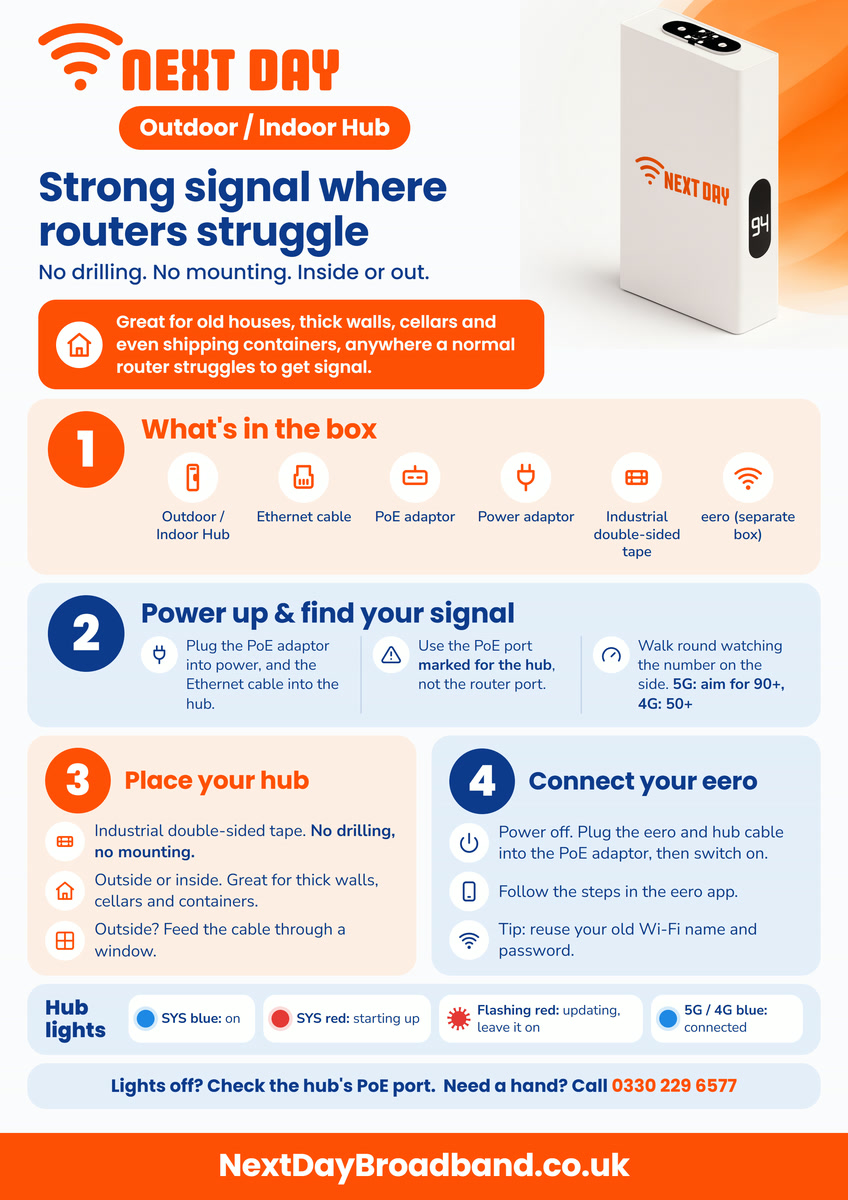
Set up your Outdoor / Indoor Hub Strong signal where routers struggle. Great for old houses, thick walls, basements and even shipping containers, anywhere a normal router struggles to get signal. No drilling, easy to set up, and it works inside or out. What's in the box Outdoor / Indoor Hub, Ethernet cable, PoE adaptor, power adaptor, industrial double-sided tape. Your eero comes in a separate box. 1. Power up and find your signal Plug the PoE adaptor into power, and the Ethernet cable into the hub. Use the PoE port marked for the hub, not the router port. Walk around your home watching the number on the side of the hub. Aim for 90 or above for the fastest speeds. 50 or above is still a good connection. 2. Place your hub Fix it in the strongest spot with the industrial double-sided tape. No drilling needed. It works outside or inside. If it's outside, feed the cable in through a window. 3. Connect your eero Switch off at the wall. Plug the eero and the hub cable into the PoE adaptor, then switch both on. Follow the steps in the eero app. Tip: reuse your old Wi-Fi name and password so your devices reconnect by themselves. Understanding the hub lights SYS blue: on. SYS red: starting up. Flashing red: updating, leave it switched on. Signal lights blue: connected. Lights off? Check the hub cable is in the hub's PoE port. Need a hand? Call 0330 229 6577.
Back to Support Centre
Everyday+ External Boost
Set up your Outdoor / Indoor Hub
Find the best signal, place your hub and connect your eero. No drilling, easy setup.
Still have questions?
Can't find what you're looking for? Our support team is here to help.