
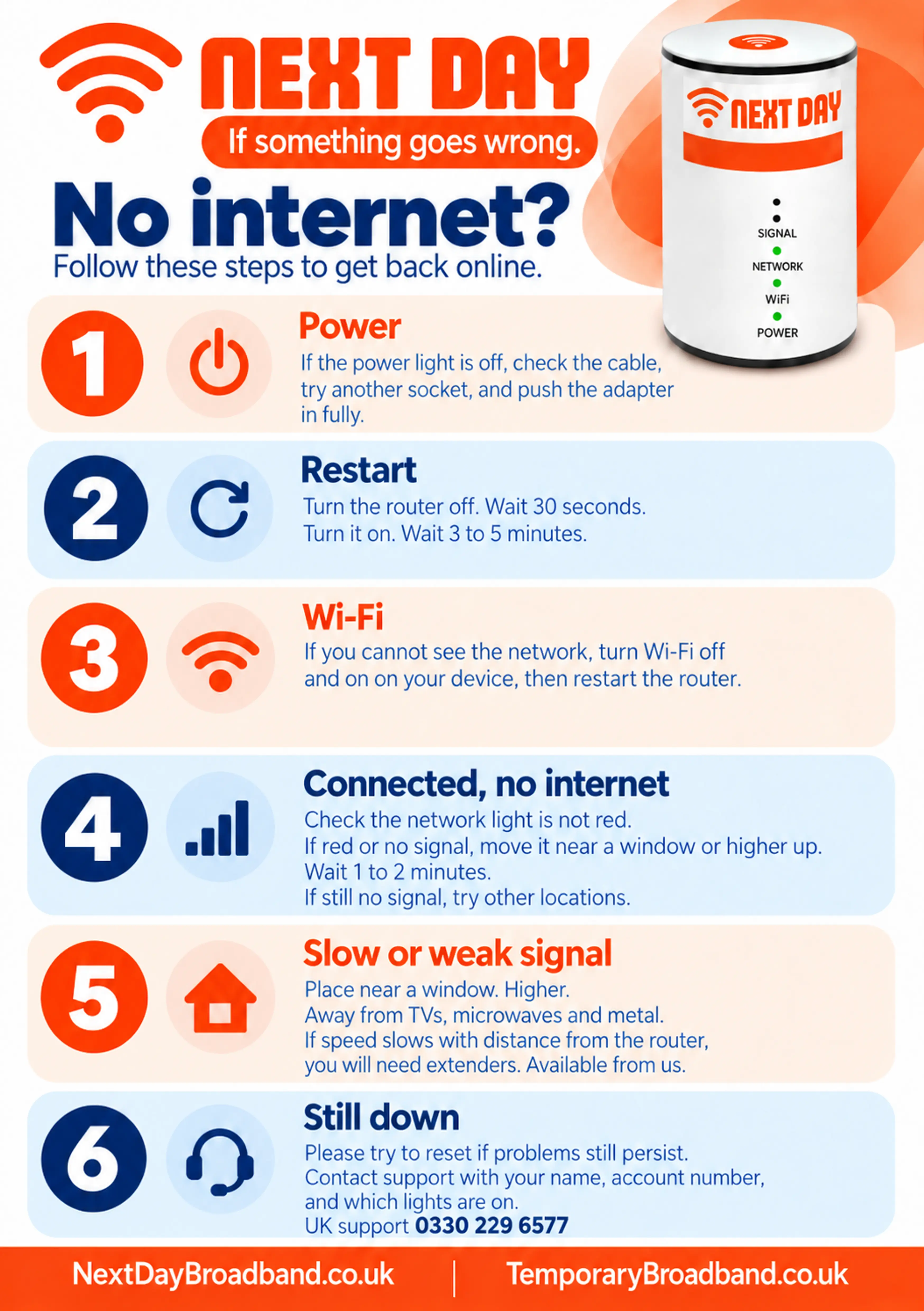
Get back online 1. Check the power If the power light is off, check the cable and make sure the adapter is fully plugged in. Try another socket if needed. 2. Restart the router Turn the router off, wait 30 seconds, then turn it back on. Allow 3 to 5 minutes for it to reconnect. 3. Check Wi-Fi on your device If you cannot see your Wi-Fi network, turn Wi-Fi off and back on on your device. If the network still does not appear, restart the router. 4. Check the network signal If your device connects to Wi-Fi but has no internet, check the router’s network light. If it is red or there is no signal, move the router higher up or nearer a window. Wait 1 to 2 minutes, then try another position if needed. 5. Improve a slow or weak signal Place the router higher up and nearer a window, away from TVs, microwaves and metal objects. If Wi-Fi weakens as you move away from the router, contact us about extenders. 6. Still offline? Call Next Day Broadband support on 0330 229 6577. Have your name, account number and the status of the router lights ready.
Back to Support Centre
Everyday Broadband+
Get back online if your internet stops working
Follow these checks for power, Wi-Fi and network signal if your internet stops working.
Still have questions?
Can't find what you're looking for? Our support team is here to help.