
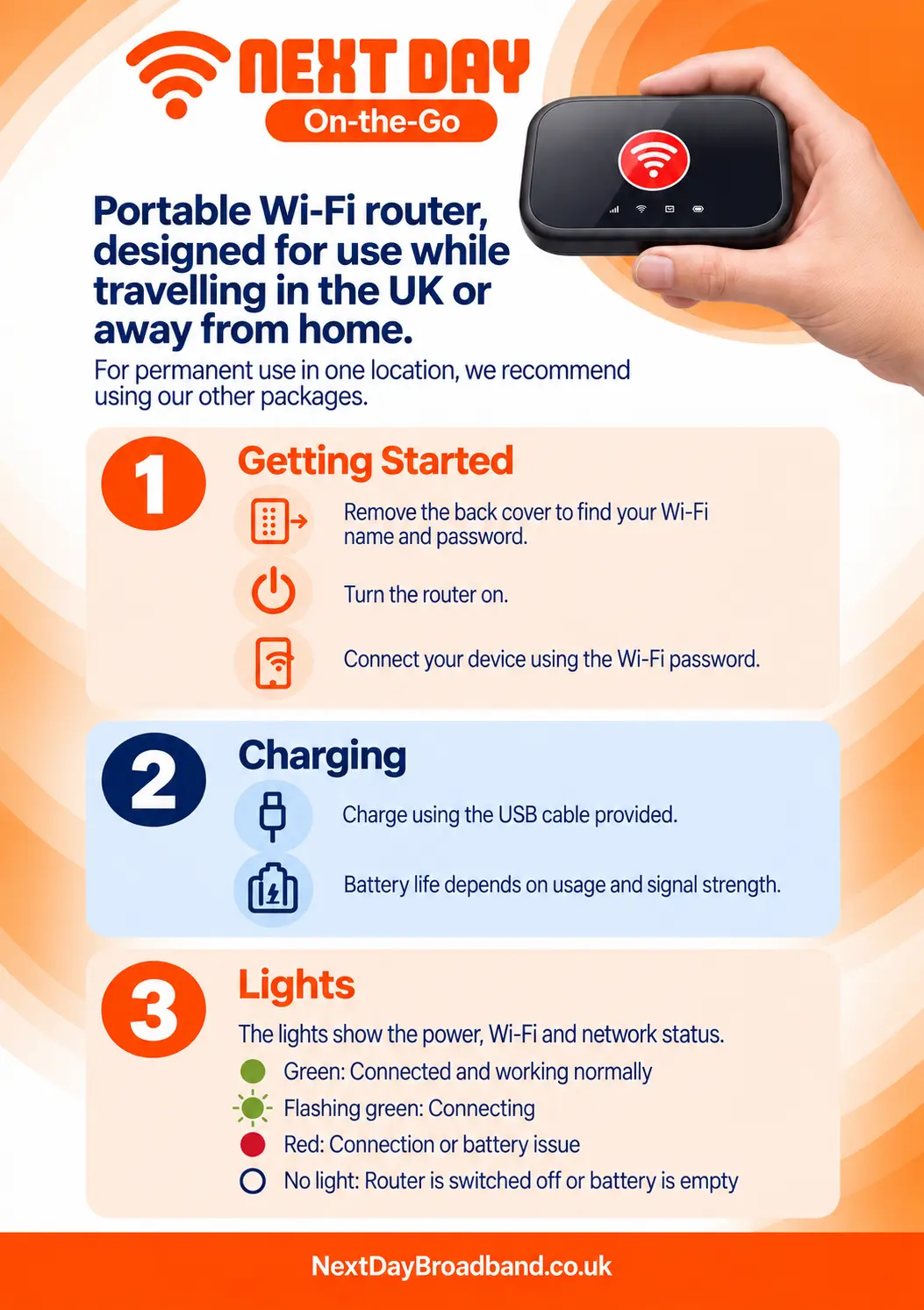
Set up your On-the-Go router The On-the-Go router is designed for travel in the UK or use away from home. For permanent use in one location, we recommend one of our home broadband packages. 1. Find your Wi-Fi details Remove the back cover to find the router’s Wi-Fi name and password. 2. Turn on the router Switch the router on and wait for it to start. 3. Connect your device On your phone, tablet or computer, select the router’s Wi-Fi name and enter its password. Charging Charge the router using the supplied USB cable. Battery life depends on how you use it and the strength of the signal. Understanding the lights Green: Connected and working normally. Flashing green: Connecting. Red: Connection or battery issue. No light: The router is off or its battery is empty.
Back to Support Centre
On-the-go
Set up your On-the-Go portable Wi-Fi router
Find your Wi-Fi details, connect a device, charge the router and understand its status lights.
Still have questions?
Can't find what you're looking for? Our support team is here to help.